

Turn Your Podcast Into an Interactive Listener Journey
QuizFlow Labs now helps podcasters and creators feature audio, guide each listener toward a useful next step, and turn attention into measurable action.
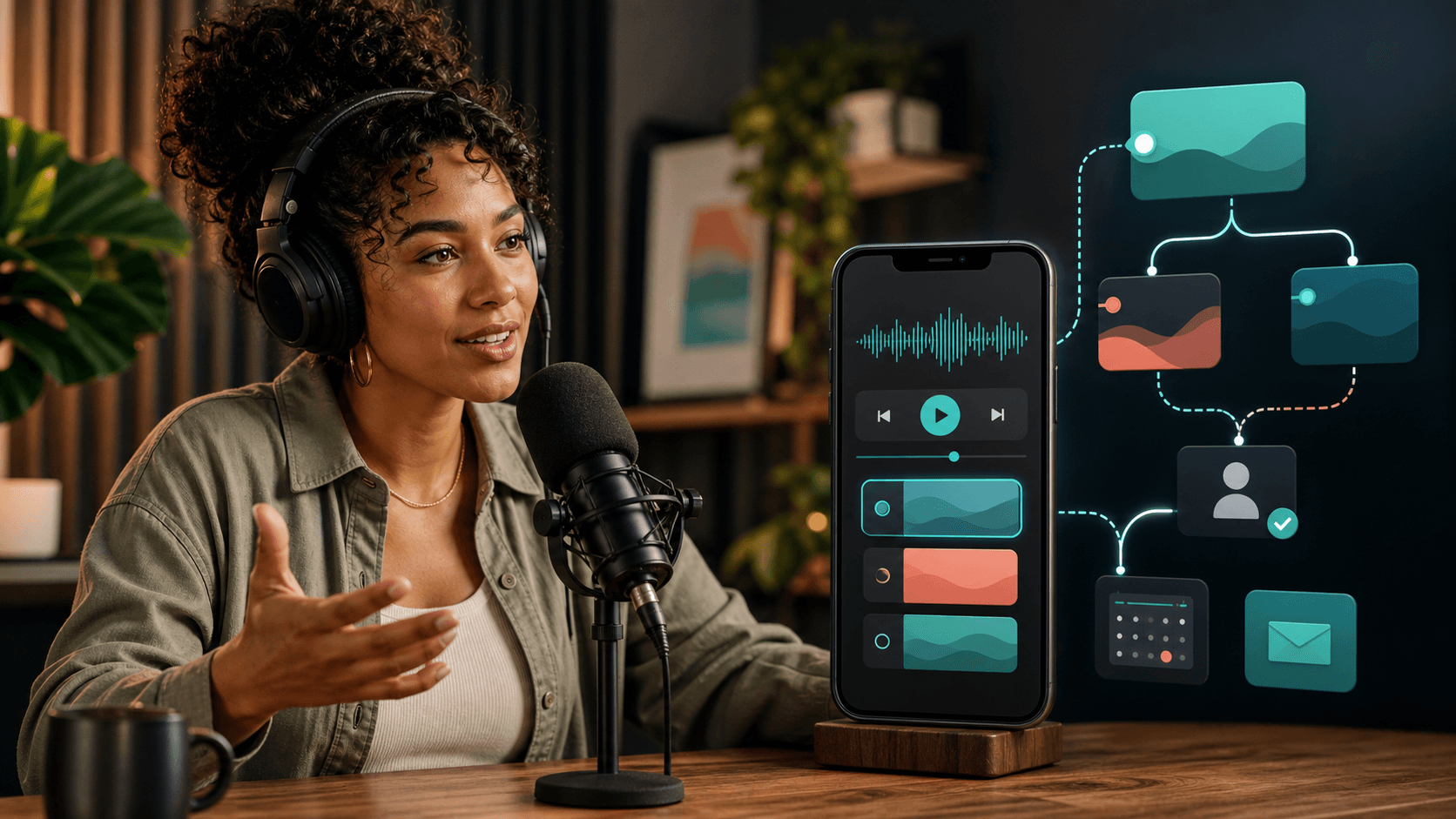
A podcast link can do more than start playback
A listener discovers an episode through a social post, taps the link in a bio, and presses play. What happens after that?
For many creators, the journey ends inside the player. The listener may enjoy the episode, but the path toward the show notes, a related resource, a consultation, a recommendation, or the creator's next offer is disconnected or easy to miss.
QuizFlow Labs now offers an Audio / Podcast block designed around that unfinished moment. It lets creators place audio inside an interactive decision Flow or a smart Bio Funnel, surround it with useful context, and guide the listener toward the next action that fits.
This is not about putting more buttons around a podcast. It is about connecting listening with progress.
From passive playback to a guided journey
Audio earns attention in a uniquely personal way. A host can teach, tell a story, demonstrate expertise, build trust, or help someone see a problem differently. But the same next step will not always be right for every listener.
One person may want the full show notes. Another may need a beginner resource before they are ready to act. A potential client may want to check fit and book a conversation. An existing follower may be ready for a product recommendation or a more advanced episode.
A decision Flow can ask a small number of relevant questions before or after the audio and use those answers to route each person appropriately. A Bio Funnel can feature the episode alongside direct paths, content, lead capture, booking, and recommendations without becoming a static list of unrelated links.
Teach, then recommend
Use an episode to explain a topic, ask what the listener needs, and recommend the most relevant resource, service, or next episode.
Build trust before booking
Feature an interview, case study, or educational episode before routing qualified listeners to an appointment.
Turn social discovery into an owned journey
Give followers a polished audio experience even when social media is their primary audience channel and they do not maintain a separate website.
Connect an episode to a campaign
Pair a launch episode with a resource, lead capture, personalized recommendation, or external offer rather than sending everyone to one generic destination.
Bring the audio source that fits your workflow
The Audio / Podcast block supports public Spotify content, Apple Podcasts shows and episodes, SoundCloud tracks and playlists, Mixcloud on-demand uploads, direct HTTPS audio files, and searchable podcast RSS feeds.
Teams workspaces can also upload private audio to the QuizFlow Labs Asset Library and reuse it across Flows and Bio Funnels. Hosted audio is useful for guided exercises, private recordings, testimonials, previews, lessons, and original audio that does not belong on a public podcast platform.
The builder recognizes the source and presents the appropriate player. A compact capability guide explains what playback, metadata, and analytics are available for that provider, so creators can make an informed choice instead of assuming every embedded player behaves the same way.
Import an episode without surrendering control
A podcast RSS feed is convenient because it already contains episode titles, show information, artwork, and playable audio. QuizFlow Labs can validate a public feed, search its available episodes, and bring a selected episode into the block.
Creators can pin a specific episode or choose the newest episode available when they apply the feed. In both cases, QuizFlow Labs saves a reviewed snapshot. The external feed cannot silently replace the audio inside a published experience.
When the builder is reopened, a feed-health check can report whether the saved episode is still healthy, whether its audio or artwork changed, whether it disappeared, or whether the feed is temporarily unavailable. The creator decides whether to review and apply an update.
That separation matters. Automation should reduce repetitive work without allowing an external system to unexpectedly change a published listener journey.
Design the audio for the experience—not just the provider
A player alone rarely explains why an episode is worth the listener's time. The block therefore supports an owner-written title, creator or show name, a concise description, accessible artwork, and an optional next-action label.
Standard, Compact, and Showcase presentations let creators control how much visual weight the episode receives. A featured launch can lead with artwork and context, while a supporting clip can remain compact inside a longer Flow.
Provider branding stays recognizable without overpowering the creator's presentation. Playback never starts automatically, and the same rendering is used across participant-facing experiences so the builder preview remains truthful.
Measure only what the player can honestly reveal
Audio analytics are not identical across providers. QuizFlow Labs makes that distinction visible instead of presenting every player as equally observable.
Hosted audio, direct audio, SoundCloud, and Mixcloud can provide verified player-ready, play, pause, completion, and listening-progress events. Spotify and Apple Podcasts use provider-controlled players, so QuizFlow Labs can observe that the player loaded and whether the listener selected a QuizFlow action, while detailed listening behavior remains with the provider.
The objective is not to manufacture a larger analytics report. It is to connect the signals that can be measured with the actions that matter: continuing through the Flow, choosing a path, requesting a recommendation, joining a list, viewing a resource, or booking a conversation.
Five listener journeys to build first
The most useful starting point is one clear listener intention and one meaningful next decision. These journeys can be built as focused decision Flows or presented inside a creator's Bio Funnel.
The latest-episode Bio Funnel
Feature a current episode, then offer paths to show notes, subscribe, explore related resources, or discover the creator's services.
The podcast-to-consultation qualifier
Let a trust-building episode lead into a short fit assessment before presenting the appropriate booking option.
The guided audio lead magnet
Offer a useful preview, capture only the contact information needed, and continue into the full resource or follow-up journey.
The episode resource navigator
Ask which topic matters most and route listeners to the matching worksheet, Content Page, product, service, or follow-up episode.
The creator partnership path
Use an introduction or media sample before directing listeners toward sponsorship, speaking, collaboration, or general audience paths.
Start with the next action—not the audio embed
Before building, complete one sentence: After listening, the most useful next step for this person is ________.
If the answer is the same for everyone, a clear direct action may be enough. If the answer depends on the listener's goal, experience, location, budget, urgency, or preferred way to continue, add only the questions needed to guide that decision.
Then choose the audio that earns attention and prepares the listener for that step. Add concise context, test the player at desktop and mobile widths, and make the action specific. “Get the episode worksheet” is clearer than “Learn more.” “Find my best starting point” sets a stronger expectation than “Continue.”
The goal is not to make every podcast interactive. It is to make the transition after listening more useful whenever a listener needs help choosing what comes next.
Audio is now part of the decision engine
Creators have always used their voices to build understanding and trust. QuizFlow Labs now gives that audio a place inside the same decision journeys that can capture, qualify, recommend, route, and convert.
Publish the experience as a hosted page, embed it on a site, present it as a guided Flow, or make it part of a smart Bio Funnel. The audio can introduce the idea. The decision engine can help each listener act on it.
That is the larger opportunity: not another place to collect podcast links, but a practical way to turn listening into the right next step.
Turn listening into action
Build an interactive journey around your next episode.
Feature your audio, add the context listeners need, and guide each person toward a relevant resource, recommendation, booking, lead capture, or offer.
Start buildingFAQ
Which podcast and audio sources does QuizFlow Labs support?
The Audio / Podcast block supports Spotify, Apple Podcasts, SoundCloud, Mixcloud on-demand uploads, direct HTTPS audio files, public podcast RSS feeds, and Teams-hosted Asset Library audio.
Can I add a podcast episode to a link in bio page?
Yes. Audio / Podcast is available as a Bio Funnel block, where an episode can appear alongside content, direct links, lead capture, booking, recommendations, and other creator actions.
Will an RSS feed automatically change my published episode?
No. RSS imports create reviewed snapshots. QuizFlow Labs can warn when feed content changes, but the creator must explicitly review and apply an update before the published block changes.
Can QuizFlow Labs measure how much of an episode someone listened to?
It depends on the source. Hosted audio, direct audio, SoundCloud, and Mixcloud support verified progress events. Spotify and Apple Podcasts use provider-controlled players, so detailed listening behavior remains available through those providers.
Do listeners need to download an app?
No. The experience runs in the browser. Availability and playback behavior still depend on the selected provider and whether the source permits embedding.