

How to Ask Survey Respondents for a Follow-Up Interview
Decide when an interview is worth asking for, whether you need to connect it to a survey answer, and how to give respondents a genuine choice.
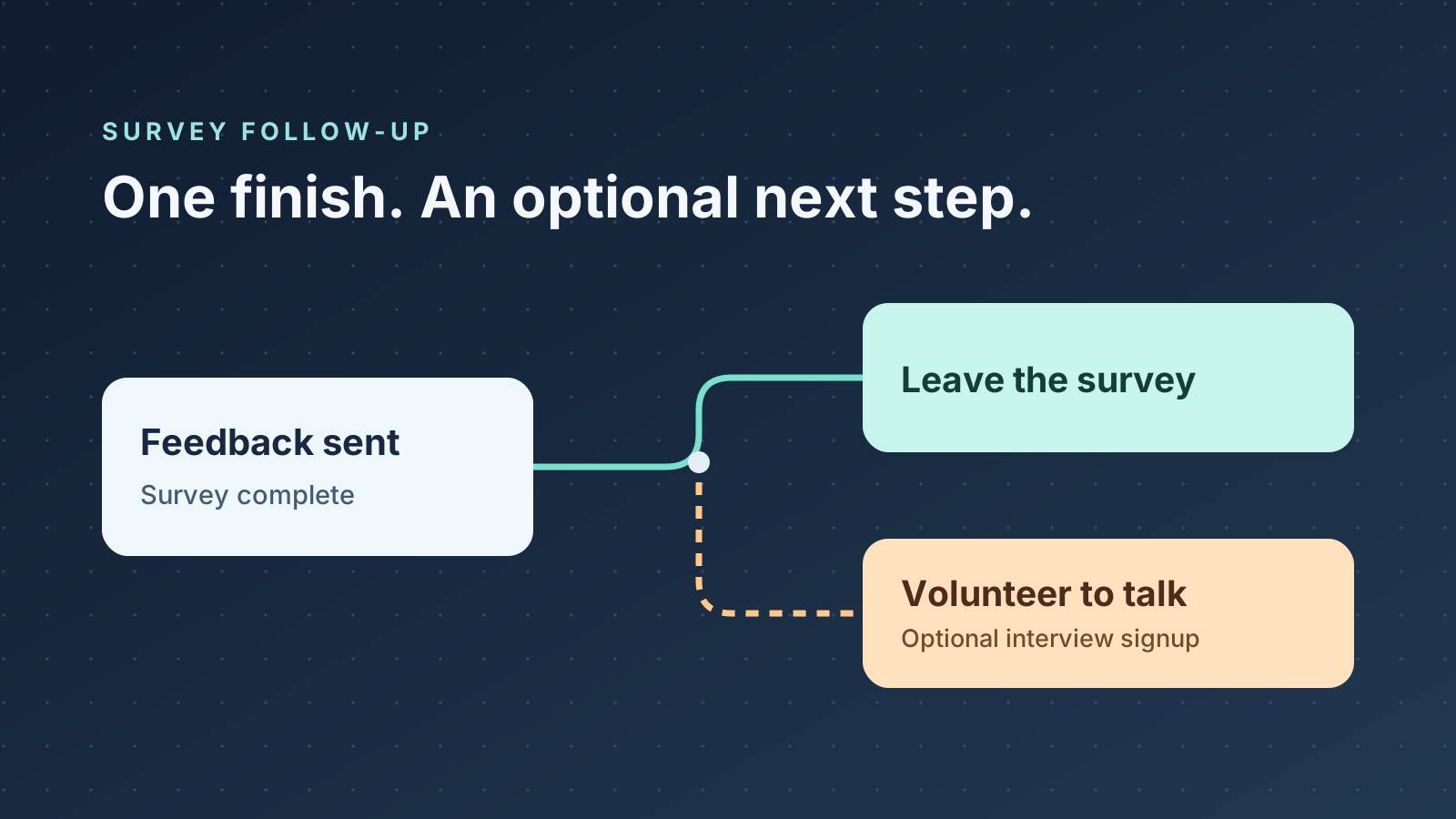
Ask only when a conversation could change a decision
A survey follow-up interview can help explain how a problem happened. A low ease-of-use rating tells you someone found the task difficult. A conversation can reveal which step they reached, what they expected and what they tried next. Asking for contact details makes sense when that extra information could change what you do.
Write down two plausible explanations that call for different fixes. If customers could be missing a download button or seeing an error after clicking it, an interview can help distinguish a page design problem from a broken download. If you would make the same fix either way, asking everyone for an email address adds another task without helping you choose.
Give the invitation one purpose. A research interview explores an experience. A support request asks someone to help resolve a particular issue. Make those paths clear if you offer both. Keep sales outreach separate from the research invitation.
AAPOR guidance on research and sales outreachOpens in a new tabDecide whether you need the original answer
Use a separate signup if you can recruit with a short question in the signup itself. For example, asking volunteers whether they tried the download can help you find people who attempted it. You give up the ability to choose someone based on their exact survey comment, but you avoid building a list that pairs emails with feedback you don't need to attribute.
Sometimes the exact answer matters. If you need to clarify a description of an intermittent error, ask for permission to contact the respondent about that answer and explain that the contact details will be linked to it. Keep the feedback complete even if the person skips the invitation. Decide who can see the linked records and how long you need them before collecting them.
A separate page alone doesn't establish anonymity. Check whether shared IDs, personalized links or other records can reconnect contact details to answers. Describe the actual setup to respondents, including any linkage you intend to use.
Make the invitation clear before asking for an email
Show a confirmation that the feedback was received. Then say who would contact the volunteer, what the conversation would cover, how long it would take and how soon they might hear from you. Let the person leave at that point. A contact field that looks required or a button labeled “Finish survey” can make an optional invitation feel like part of submitting the feedback.
Treat volunteering as permission to send the invitation you described. Explain the session itself before asking someone to take part, including any recording you plan. The GOV.UK Service Manual sets out what participants should understand about the purpose, activity and use of their data before agreeing to research.
GOV.UK guidance on informed consent for user researchOpens in a new tabSeparate recruitment results from survey results
Keep track of how many people saw the invitation, volunteered and took part, where you can count those stages reliably. If people see the invitation but few sign up, check whether they understand the request and can use the form. If they sign up but few take part, look at the delay before outreach, the available time slots and whether people received your message. The first pattern points you toward the invitation or signup. The second points you toward what happens after signup.
Use interviews to investigate possible causes and decide what to test. Interviewees have passed several filters, including seeing the invitation, volunteering and finding time to talk. If three interviewees describe the same obstacle, you have a candidate problem to reproduce. The interviews alone give you no estimate of how often it happens across customers.
Example: find out why customers miss a course download
Suppose a course creator wants to decide whether to move a resource link or investigate an access error. The survey asks what happened when learners tried to get the resource. The creator can recruit separately with one question about whether the person tried the download, since they can ask the volunteer to demonstrate the steps in the interview.
After confirming receipt of the feedback, the creator shows this optional invitation: “Would you show us how you looked for the course download? The course team may email you within two weeks to arrange one 15-minute call.” A button labeled “Volunteer for a 15-minute interview” opens the signup. The feedback stays submitted if the person closes the page.
The creator invites people who found the file as well as people who couldn't. Comparing their paths can reveal whether they began in different places or reached the same link and got different results. If everyone recruited used a desktop, the creator still needs to check the mobile path before drawing a conclusion about it.
Set up the handoff and test both paths
In QuizFlow Labs, use an Open a link action under Outcomes to send interested respondents to a separate signup page. Use a plain destination URL for a signup that does not need the original answer. Review what both pages collect before making any promise about how the two records are handled.
Walk through the flow twice. First, submit feedback and leave without volunteering. Then follow the invitation and check that the signup describes the same conversation and time commitment. If both paths are clear, send the survey with a plan for who will review volunteers and what decision the interviews will inform.
Configure an outcome action in QuizFlow LabsSurvey follow-up
Give respondents a clear next step
Build a survey flow with a completion message and an optional path for people who want to talk.
Start building with QuizFlow Labs