

Should You Use One Client Intake Form or Separate Forms?
Choose where to split client intake by looking at what people came to do, what you need to ask and who handles the request.
Start with what happens after someone submits
One client intake form works when people are asking you to do roughly the same thing and you can handle the requests through the same process. Separate forms make sense when people arrive with different tasks and you can give each task a clear starting point. The choice matters because the form sets expectations about what to provide and what will happen next.
Write a sentence for each request type that names who takes it, what they need and what they do next. A request for a quote might go to a project lead who checks scope before offering a call. A request to update an existing project might go to the person already responsible for it. The same name and email fields could appear in both forms, yet the information needed to act and the next step differ.
The GOV.UK Service Manual calls a list of questions and how their answers will be used a question protocol. For intake, give each field an owner and a purpose. If you cannot say who uses the answer or what they use it for, remove the field before deciding whether to branch around it.
GOV.UK guidance on structuring formsOpens in a new tabKeep one path when the differences are small
Use one shared path if the differences only affect how you categorize the submission. A consultant who quotes both workshops and coaching can ask which service the client wants and use the same follow-up process if both require a goal, a timeframe and a contact address. A separate form for each offer would give the consultant two places to update the same questions whenever that process changes.
Add a branch when a choice changes what someone needs to provide and you have a useful reason to ask for it now. For example, a workshop quote may require a group size while a coaching quote does not. Ask the question where it applies and bring both groups back to the shared questions afterward. A shared form still needs someone to own the whole journey, including what people see when they finish.
Split where people already know what they came to do
Use separate forms when visitors can recognize the right route from the link that brings them there and the forms serve different tasks. A link to request a quote on a service page can open quote intake directly. A link to report a problem in a client portal can open a support form directly. That lets each entry explain the relevant preparation, recipient and response process.
Separate forms cost more to maintain when instructions or contact fields are duplicated. They also depend on the links staying easy to find. If many visitors arrive at a general contact page, give them a simple choice there, with a route for uncertain requests. Ask what they want to accomplish in words they use. Labels based on your department names make visitors guess how you work.
The NHS digital service manual recommends testing filter questions and considering an option for people who are unsure. Give that option an actual next step, such as a short description field that a named person reviews. If nobody handles that queue, the option simply moves the confusion out of sight.
NHS guidance on filter questionsOpens in a new tabExample: a studio handles quotes and revisions
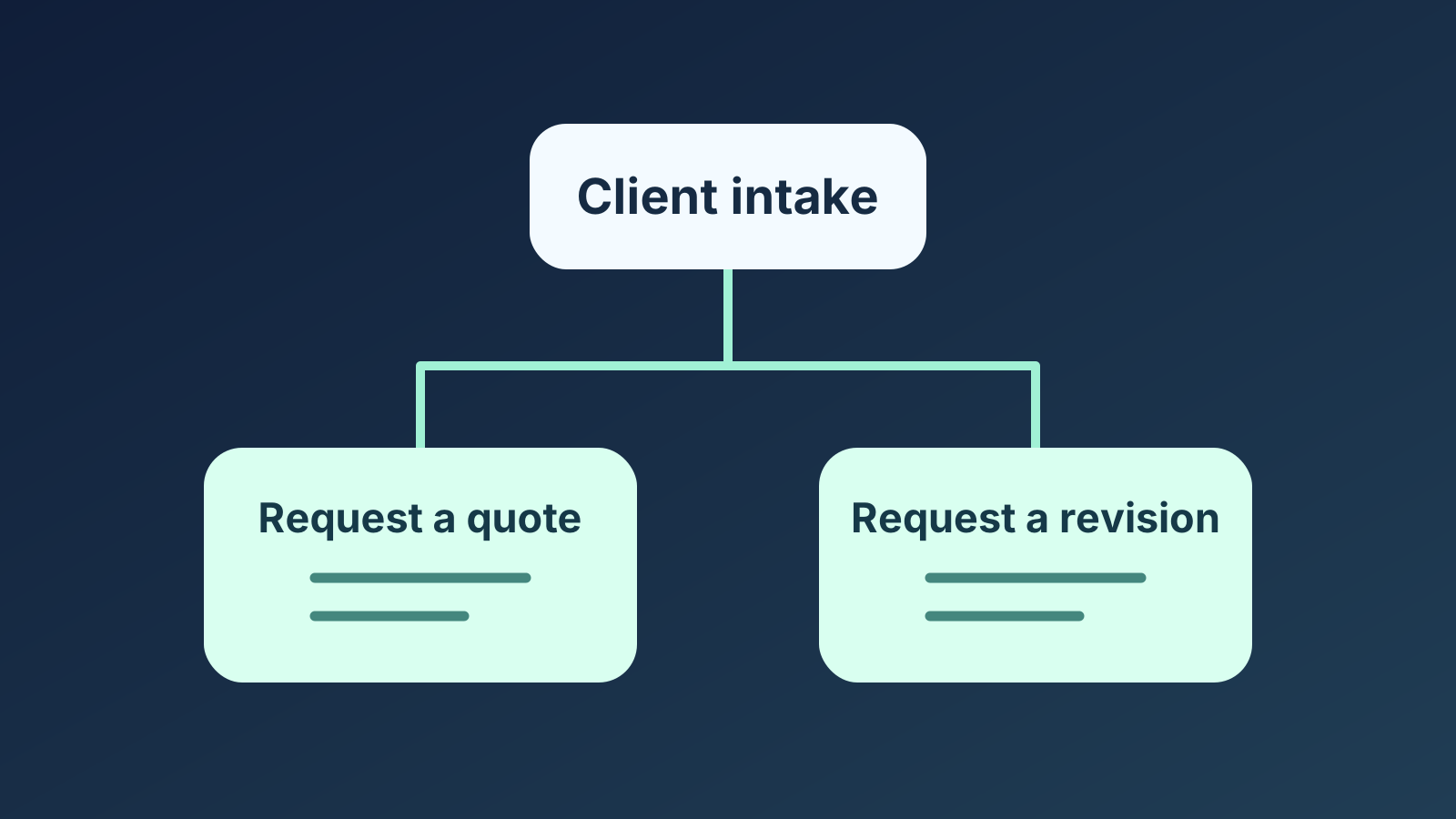
Imagine a design studio that receives quote requests for new work and revision requests from existing clients. The producer needs a brief and target date to estimate new work. The project lead needs the project reference, the item to change and the requested correction. Asking everyone for both a brief and a project reference leaves each group with fields they cannot answer.
The studio links to quote intake from its services page and to revision intake from project handoff emails. On its general contact page it offers both links with short descriptions. It spells out where to go for new work on an existing project, since a returning client could need either route. That distinction is about the work requested, even if the same person submits both forms.
If the studio later gives both tasks a common entry point and a producer reviews every request, one intake form with an early branch could be easier to maintain. The two tasks would still need different questions. The change is that one person can maintain the shared entry and check both handoffs.
Test the handoff as well as the form
Give testers the link a real visitor would start from and a task to complete. Include a clear request for each path and a borderline case, such as a returning client requesting a quote for new work. Ask them what they expect to happen after submitting. Then show each test submission to the person who would receive it and ask what they can do with the answers.
Where you see the first mismatch tells you what to fix. If people start on the wrong form, check the source link and the explanation of who it serves. If they start in the right place but select the wrong branch, inspect the question and choices. If they select the expected answer but see irrelevant questions, check the routing. If they finish the intended path and staff still have to ask for an essential detail, fix the questions or the handoff.
After launch, count submissions that had to be reassigned and submissions that needed a follow-up for missing information. For each request type, use the total submissions of that type over the same period as the denominator. A rise in the share reassigned can point to unclear entry links or an outdated assignment process. Review a few cases to see which happened. A form can be easy to finish while still creating work for the person who receives it.
Build the path that fits the request
In QuizFlow Labs, you can publish a separate hosted flow for each intake task. For a shared flow, Jump Logic can send people from a single-select Multiple Choice question to a later step. In a flow without intent paths, if no rule matches, the flow continues to the next step in order. Check every answer, including an unsure option if you offer one. If the next step is the first question for one branch, an unmatched answer can land there too.
Set up Jump Logic and branchingQuizFlow Labs
Give each client request a clear path
Build an intake flow that asks for the details your team needs and gives clients a clear next step.
Create an intake flow