

Why Are So Few People Responding to Your Customer Survey?
Separate invitation reach, survey starts, and completed responses to find the first thing worth fixing.
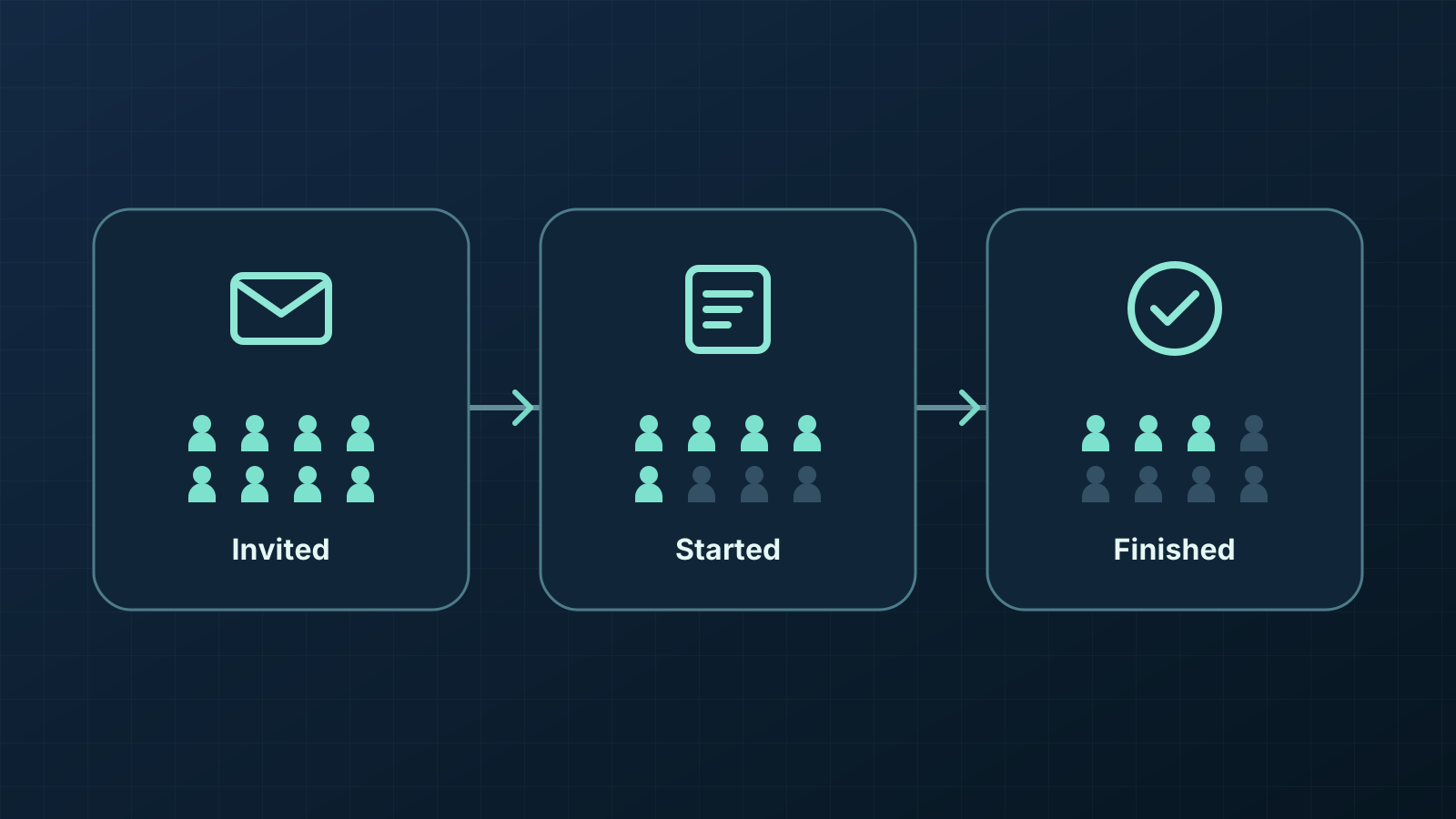
Find out which part of the survey is losing people
A low number of completed surveys can point to several different problems. Customers may never reach the survey, leave before answering, or get stuck after they start. Each calls for a different change. Shortening the survey is unlikely to help people who never saw it.
Count the stages you can observe. Where you can follow the same group across two stages, divide the later count by the earlier one. That gives you a place to investigate. The counts alone cannot tell you why people left.
Choose a denominator that matches how you shared the survey
For a survey sent to a defined list, count the eligible people you invited once, even if you sent reminders. If you can reliably link finished responses to that group and count each person once, divide their finished responses by the number invited. Label it clearly, such as “completions per eligible invitee.” Keep bounced invitations in the invited count and report them separately so you can see when delivery contributes to the gap.
For a survey shared by a public link, the number of eligible people who had a chance to respond is usually unknown. Report the count of finished responses and, if you can measure it reliably, the share of survey starters who finished. Dividing submissions by followers or post impressions would describe a different ratio. Neither number tells you how many eligible people were invited.
If you use both channels, keep the counts separate wherever you can. When replies from a forwarded invitation cannot be distinguished from replies by invitees, report the number of replies and describe how the survey circulated. Leave the invitation rate blank.
Decide what counts as a visit, a start, and a finish
A visit can mean the survey page loaded. A start can mean someone submitted the first substantive answer. A finish can mean the survey accepted the final submission. Pick observable events before sending the invitation. A click in an email report only tells you a link was clicked, and a page load alone gives you no evidence that anyone answered.
Use the same group, time window, and unit for each fraction. For example, divide finished sessions by started sessions if both counts are session-based and come from the same set of starts. State that the rate describes sessions. If visits count browsers and completions count submission records that you cannot match to those browsers, show the two totals separately. Check for test runs, repeat visits, and reminders before comparing counts across stages. CHERRIES, a reporting guide for online surveys, also treats reaching the survey, agreeing to participate, and finishing as separate events.
CHERRIES guidance on web survey participation and completionOpens in a new tabExample of a customer survey with two different bottlenecks
Suppose a course business sends the same survey to two groups of 200 eligible learners. For this example, each visit, start, and finish can be counted once per invitee within the same week.
In the first group, 50 learners visit, 40 start, and 30 finish. That is 25% visiting out of those invited, 80% starting out of those who visit, and 75% finishing out of those who start. Check whether the invitation reached the intended people and whether the link loads on a phone. Then check whether the subject line and invitation explain why the feedback matters.
In the second group, 120 visit, 100 start, and 30 finish. That is 60% visiting, about 83% starting after a visit, and 30% finishing after a start. Look inside the survey for the first point where people stop. If several people leave at the same required question, try answering it as a learner who lacks the information it asks for. Watch for an ill-fitting answer list or an error that keeps a valid answer from going through.
Both groups produced 30 finishes from 200 invitations. That 15% figure hides where the losses occurred. The stage counts tell the business where to look first. They cannot establish that the invitation or any particular question caused the difference.
Test the first weak stage before rewriting the whole survey
If people reach the page and leave before starting, compare the invitation with what they see on arrival. A request for quick course feedback can feel like a different task if the first screen asks for account details. If people leave after starting, try the whole path on a phone and watch someone answer without coaching. Ask what they were trying to do when they hesitated. If people reach the final step but you see few accepted submissions, test whether the submit action succeeds and shows a confirmation.
Change one suspected obstacle at a time and compare the same stage in a similar group over the same length of time. Keep the underlying counts alongside the percentages. If starts rise but finishes stay flat, check whether the mix of people starting changed and whether the same point in the survey still causes trouble. The overall totals cannot tell you which of the new starters would have finished under the old setup.
Treat participation and feedback quality as separate questions. A higher share of completions tells you more people finished relative to the chosen starting group. It cannot show whether the people who replied have the same experience as those who stayed silent. For decisions that affect a group missing from the replies, seek feedback from that group before treating the survey as their view.
AAPOR guidance on what response rates can tell youOpens in a new tabPlan the next survey around the decision it needs to inform
Write down who should answer, what you will count as a finish, and the one stage you want to check. In QuizFlow Labs, you can publish a feedback flow and share its hosted Flow link in your invitation. Open the link from the invitation before sending it and check that the first screen makes the task clear.
See how to publish and share a flowQuizFlow Labs
Build a customer feedback flow
Collect the answers you need for your next customer decision and share the flow with the people who can inform it.
Start building with QuizFlow Labs