

How to Tell Where Quiz Visitors Drop Off Before Booking
Separate booking-button clicks, calendar arrivals, and confirmed appointments so you know which part of the handoff to fix.
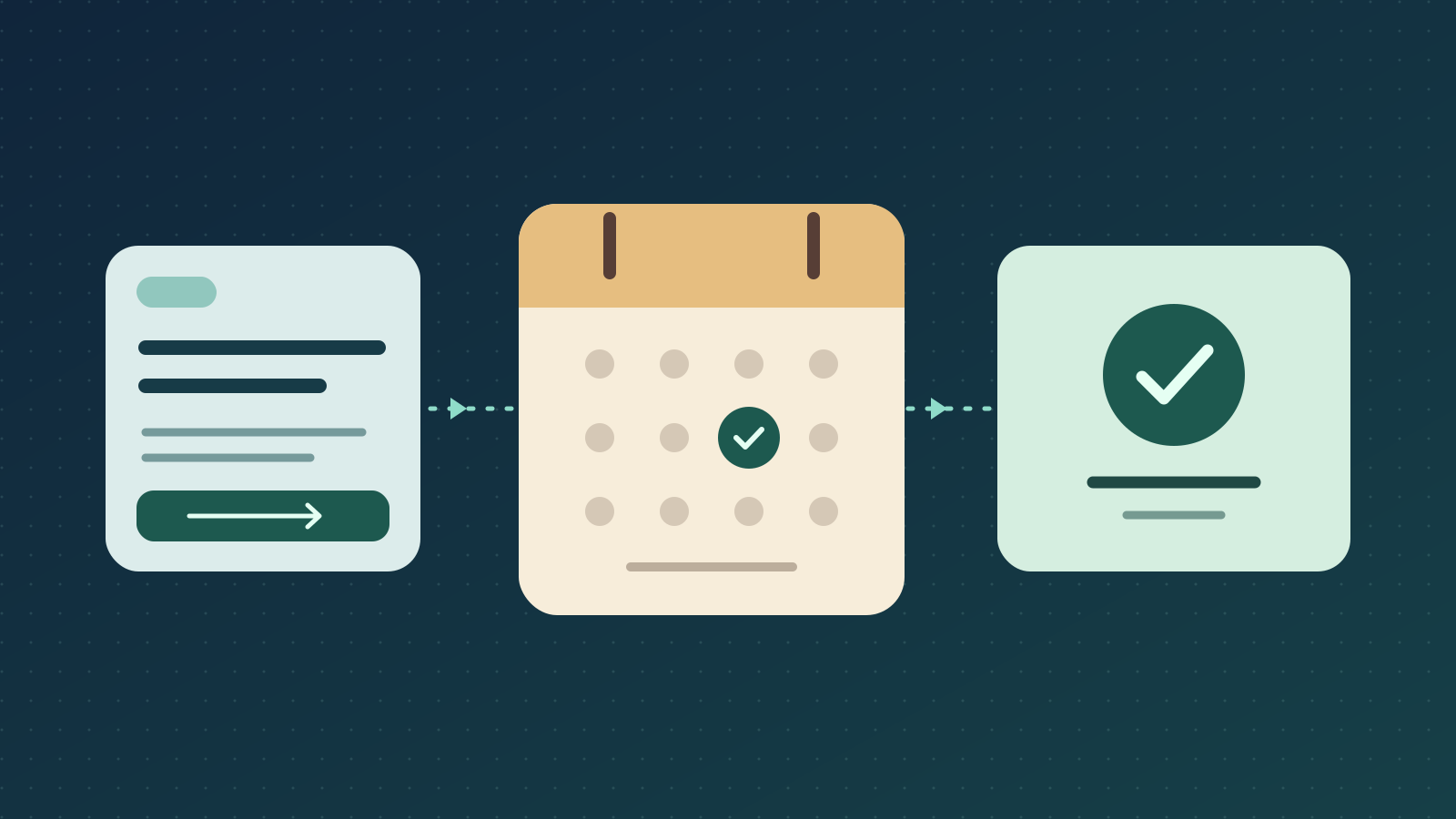
Count the steps between a result and a booking
A quiz-to-booking funnel has two jobs. The quiz helps someone decide whether an appointment makes sense. The booking page helps them choose a time and confirm it. A low booking count leaves you guessing where to intervene. Even if you know how often people click the booking button, you still need to check whether they reach the calendar and can book a suitable time.
Start with one quiz result that offers a specific appointment. Follow the path from the result shown to a click on its booking button, arrival at the intended calendar, and confirmation in the scheduler. Count a confirmation when the booking is accepted. Opening a calendar or selecting a time shows progress toward that outcome.
Name the action the same way in the quiz result and on the calendar. If the result offers a 20-minute fit call, the calendar should show that appointment type, length, and any conditions that matter before someone chooses a time. That gives you a concrete promise to check when the numbers point to the handoff.
Give each rate the right denominator
To judge the booking button, start with visitors who saw the result that offered it. Including everyone who finished the quiz can hide changes in how often the quiz sends people to that result. A quiz that routes more people to a self-serve resource could generate fewer bookings even if the booking path works exactly as before.
To judge the calendar, start with visitors who reached it from that result. When your setup can follow the same visitors through each step, count each person once per step for the chosen entry period and allow a defined time to book. For a weekly report with a seven-day follow-up, give the last day's visitors seven days before closing the report. Keep the raw counts alongside the rates so one extra booking in a small group stays in perspective.
Check what each tool counts before dividing. A report of 80 click events may include the same people tapping again, while the scheduler may count appointments from email, referrals, and direct visits. If the tools cannot connect those steps, report the separate counts with their scope. Leave the click-to-booking rate unknown until you can match the population and unit.
Matomo’s explanation of clicks and unique clicksOpens in a new tabCheck what survives the trip to the scheduler
Run through the path yourself on a phone before interpreting the report. Start with answers that lead to the booking result, tap the button, and check the actual appointment type, available times, time zone, and confirmation. If your scheduler has a test setup, make a test booking there and verify what each reporting tool records. Try a result without the appointment too, so you know which visitors can reach the calendar from the quiz.
If the scheduler supports source labels or separate booking links with source reporting, use a label for the booking path and check that it appears on the booking record. A link that carries a label on arrival can still lose it by confirmation. A dedicated link can identify bookings made through that link, but it can be shared or opened later and does not by itself match a booking to a quiz visitor. Keep names, email addresses, and quiz answers out of tracking URLs.
If you already measure the steps together in Google Analytics 4, a closed funnel can restrict the analysis to users who entered at the first defined step and progressed in sequence. Choose a time limit that makes sense for the appointment. Someone who goes straight to the calendar from an email may still be a valuable lead, but that visit answers a different question.
Google Analytics guidance on funnel steps and entryOpens in a new tabDiagnose the first gap you can verify
If few visitors click after seeing the booking result, check whether people understand why the call is relevant and what they are committing to. Ask someone to read the result and explain what the call would help them decide. If they understand the offer but say the timing or commitment is wrong for them, a clearer button alone is unlikely to fix that.
If clicks appear but calendar arrivals are scarce, first check whether the link opens the intended page on a phone and whether arrivals from that path are measured. If the link redirects visitors to a general scheduling page, point it to the appointment you promised. If the correct page loads during testing but the visit never shows up in the report, check the tracking on that page before blaming the link.
If arrivals are recorded but confirmations are scarce, inspect appointment availability, time-zone display, mobile usability, and what the calendar asks for. Use the scheduler’s confirmation record to check whether a booking was accepted. If confirmations exist there but disappear from the funnel report, fix the measurement before rewriting the offer.
A worked example from a design studio
Illustrative example. A design studio’s project-fit quiz sends one group to a 20-minute fit call and another to a planning guide. In a report that gives each visitor seven days from seeing the result, 120 see the call result, 36 tap the button, 30 reach the calendar after tapping, and 6 confirm. Of those who see the call result, 36 of 120 click (30%). Of those who click, 30 of 36 reach the calendar (about 83%). Of those who reach the calendar, 6 of 30 confirm (20%). Including the guide group would obscure which visitors had a chance to book.
The studio tests the phone journey and sees the right calendar load. The quiz offers a call for projects starting within two weeks, but the first available call is three weeks away. That gives the studio a specific mismatch to fix. It can offer earlier slots or state the actual timing and give urgent prospects a useful alternative. If clicks fall after the timing is made explicit, compare confirmations among visitors who saw the result and check whether their project schedules fit. Fewer clicks could mean people ruled out an unavailable option earlier.
Set up one clear handoff in QuizFlow Labs
In the QuizFlow Labs builder, go to Outcomes and describe who the appointment is for. Under Actions, use Open a link to point to the specific scheduling page. Label the button with what it opens, such as “See times for a fit call.” Use the scheduler’s confirmation record when you need to count accepted bookings.
Start with the booking path that matters most to your business. Check the promise, test the trip from result to calendar, and decide which step you can measure reliably. Then choose a change that addresses the gap you actually observed.
See how to configure QuizFlow OutcomesQuizFlow Labs
Guide the right prospects to a booking
Build a quiz that helps visitors choose their next step and sends prospects to the right appointment page.
Build a decision flow