

How to Test Your Bio Funnel Before Sharing It
Learn how to test entry choices, branching decisions and destination handoffs—and diagnose why a working bio funnel can still fail to guide visitors.
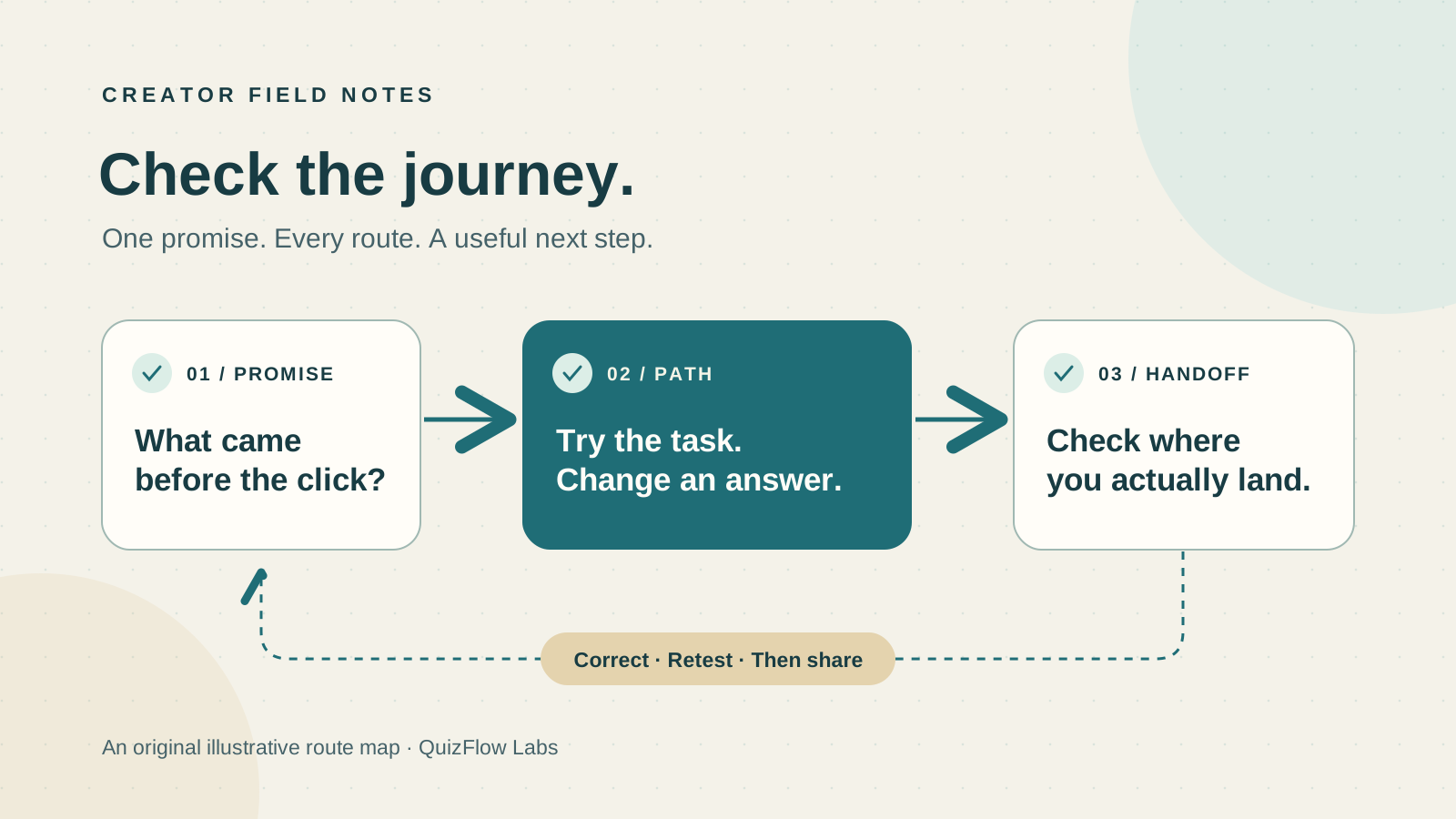
What a bio funnel test needs to establish
A bio funnel connects a visitor’s intent to a relevant next action. Testing it requires more than checking whether its buttons work. It must establish whether visitors understand their choices, whether their answers produce appropriate recommendations and whether the final destination fulfills the promise made along the way.
A technically working funnel can still fail at each of these tasks. A vague button can obscure an offer. A branching condition can send different needs to the same recommendation. A booking page can introduce requirements that the funnel never explained.
Separate three questions during testing: does the flow execute correctly, can visitors understand it, and does it lead to the intended business action? A click-through checks execution. Observing realistic tasks checks understanding. After launch, outcome data helps assess business performance. None of those checks substitutes for the others.
Define visitor intent and expected outcomes before clicking
Identify the main reasons someone would open the profile link. Common intents include finding a promised resource, comparing offers, choosing a service and asking for help. For each supported intent, define a destination and the conditions that make it appropriate.
Write the expected result before running the test. “A visitor seeking an introductory course reaches the beginner course page” is a testable expectation. “The funnel works” is not. Include what the recommendation should explain, not only which URL should open.
A practical test record contains the entry source, task, answers, expected result, actual result and device/browser. Record the version or date so a later correction can be checked against the same case. Concentrate first on high-value actions, frequently used paths and recent changes.
Check the promise across the entire journey
The entry source, bio page, recommendation and destination should describe a consistent offer. Check the wording at each point. If an entry promises a free resource, the destination should make that resource identifiable and explain any required step before access.
This is often where technically valid links fail. A resource button may open a generic homepage. A “Book a consultation” action may lead to a contact form with no scheduling option. A recommendation may name one package while the destination emphasizes another.
When a label and destination disagree, decide which is wrong. Correct the link when the wrong page opens. Correct the label when the destination is intentional but the action has been misrepresented. Adding more explanatory text will not repair a mismatched promise.
Test routing by conditions, not by every possible answer combination
For a guided path, choose cases that exercise the decisions. Include at least one case for each distinct outcome, each condition that changes the route, and any point where conditions overlap. If a numeric threshold is used, check values below, at and above it.
Testing every combination becomes impractical as a flow grows. Instead, use the decision map to identify which combinations affect outcomes. Then check whether an earlier branch prevents a later condition from being reached.
Normal fit
Use answers that clearly suit an offer. Confirm the route and the recommendation’s explanation.
Overlapping fit
Use answers that satisfy more than one condition. Confirm that the intended priority wins.
Missing or uncertain input
Try an omitted required answer and any “Not sure” option. Check recovery or a useful alternative without inventing fit.
Revised answer
Use the correction controls provided by the flow. Verify that the final destination and explanation no longer reflect the earlier answer.
For example, an illustrative course selector routes new learners to an introductory workshop and experienced learners seeking editing help to an editing workshop. If both reach the introductory offer, inspect the condition and its destination. If the route is correct but the result text still names the introductory offer, inspect the result content. These are different defects.
Verify the handoff after the recommendation
Continue past the final button. Check that the destination loads, matches the selected offer and contains enough information to continue. Inspect any change in price, scope, login requirements or eligibility that might surprise a visitor.
Distinguish reaching a destination from completing its action. Opening a booking page does not verify an appointment was created; opening checkout does not verify a purchase. Test those downstream actions only in an authorized test environment, and confirm their actual completion separately.
Also check an outdated or unavailable offer. The appropriate correction may be an updated URL, an accurately described alternative or removal of the route. A working response from the destination server does not establish that the offer is still available.
Check the environments where the funnel will be used
Social traffic may arrive through an app’s browser rather than a standalone browser. Test the actual profile-link entry on a phone, then repeat key tasks on desktop. External pages, new tabs, sign-in and return navigation can behave differently between those contexts.
Check readable instructions, reachable controls and visible error messages at narrow widths and when text is enlarged. Use the keyboard to reach and activate relevant actions, and check that the focused control is visible. These checks help expose access problems that a mouse-only desktop pass can miss.
Reload during the journey and return after opening an external destination. Record whether answers are retained or the flow restarts, then compare that behavior with the instructions. Test the capabilities the funnel actually provides; do not assume saved progress or automatic recovery.
Observe a visitor to diagnose comprehension problems
Once execution checks pass, ask a likely visitor to attempt a realistic task without naming the controls to use. “Find an introductory course suitable for someone new to photography” tests navigation and offer clarity. “Click the beginner button” supplies the answer.
Watch the first choice, pauses, rereading and wrong turns. Ask what the person expected at the point of confusion. A correct click can still come from a guess; a wrong click may reveal overlapping labels rather than a routing defect.
Use the finding to identify the layer that needs correction. If visitors cannot identify the right entry, revise labels or hierarchy. If they choose the right entry but misunderstand a question, revise its wording or answer options. If they answer clearly and receive the wrong result, inspect routing. Repeat the same task after the correction.
Decide what must be fixed before launch
Hold a path that recommends the wrong offer, contradicts a material promise, blocks a key action or prevents recovery from required-input errors. Cosmetic changes can be prioritized separately, but a broken or misleading primary route should not be justified by the rest of the page working.
Keep the expected case and observed failure with the fix, then rerun the affected case and nearby branches. Removing an unfinished path can make a smaller launch viable if the remaining choices are clear and complete.
In QuizFlow Labs, check direct bio-page buttons and Smart Buttons that enter a flow, selected step or intent path. Review the configured destination as well as the answers inside the flow. The bio funnel setup guide explains how those entry actions are configured.
Use post-launch data to choose the next investigation
Where measurement is available, distinguish visits, flow starts, completed flows, destination clicks and completed downstream actions. A completion rate needs a stated denominator—for example, completed flows divided by starts during the same reporting window. Direct-resource visitors should not be judged by a guided-flow completion metric.
A drop between stages tells you where to investigate, not why people left. Use task observation and route checks to distinguish unclear choices, question friction, poor offer fit and destination problems. Then test one targeted correction.
Retest when an offer, question, rule or destination changes. The durable asset is a set of expected journeys that can be rerun, rather than a one-time declaration that the funnel is finished.
Build and verify
Configure a bio funnel around visitor intent
Use the setup guide to connect direct links and guided paths, then verify their recommendations and destination handoffs.
Read the bio funnel setup guide