

How to Write Quiz Answer Choices People Can Actually Use
Clear answer choices help visitors describe what they need. Learn how to remove overlap, choose the right selection mode and handle uncertainty before it becomes a misleading recommendation.
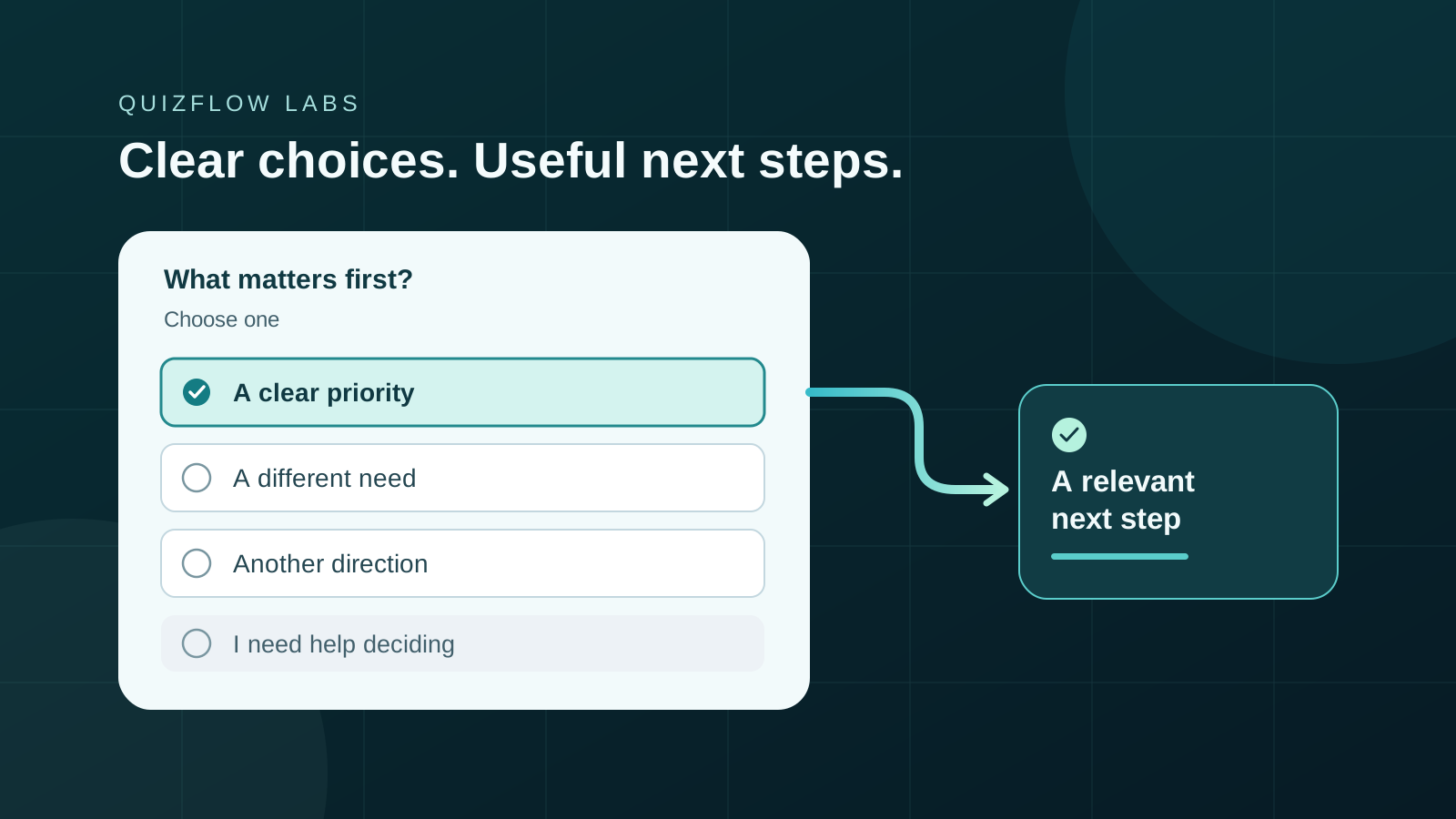
Answer choices are part of the recommendation
A recommendation quiz depends on more than the rules behind the result. It also depends on whether visitors can recognize themselves in the answers. When two choices seem equally true, a familiar situation is missing or the wording requires specialist knowledge, the selected answer may say more about the question than the visitor’s need.
That matters for creators and service businesses using a quiz to guide people toward a course, package, consultation or resource. A neatly completed flow can still send someone to an unsuitable next step if the questions invite guesses.
Pew Research Center’s questionnaire guidance emphasizes specific questions, plain wording and response categories that cover reasonable answers without overlapping. For a business quiz, apply those principles to a practical goal: make the answer useful enough to guide the next decision.
Decide exactly what the answer should tell you
Before writing choices, finish this sentence: “This question tells us which…” Be precise. It might identify the task someone wants help with, the support they prefer or the deadline they must meet. If you cannot name the distinction, polished answer labels will not fix the question.
Keep different distinctions separate. “I’m a beginner and need everything done for me” combines experience with preferred support. An experienced person might want to outsource; a beginner might want to learn. If those combinations lead to different offers, ask about the relevant dimension directly.
The same discipline applies to time. “How soon do you need help?” could mean starting work, receiving a first draft or finishing a project. Name the milestone before adding ranges. Otherwise, two visitors with identical deadlines may answer differently because they interpreted the question differently.
Use the visitor’s task instead of your package names
An offer catalogue makes sense to its owner. It may be unfamiliar to someone deciding whether to work with you. Asking visitors to choose “Launch Lab,” “Studio Partner” or “Creator Accelerator” requires them to understand the packages before the quiz has helped them choose.
Consider a hypothetical podcast educator who offers launch planning, episode editing and editing lessons. Rather than asking which package the visitor needs, the first question asks, “What would you like help doing first?” with the instruction “Choose one.” These choices describe the work:
Plan my first podcast launch
A starting point for someone who needs help preparing a launch.
Have someone edit episodes I’ve recorded
A task that points toward editing support.
Learn to edit episodes myself
A preference for learning rather than outsourcing.
I need help deciding where to start
An explicit path for someone who cannot yet name the task.
The word “first” does a specific job here. A visitor may want to launch a podcast and learn editing eventually; the question asks for the immediate priority. Without that scope, requiring one answer would discard a real second need. If the business needs the full picture instead, it should ask a different question that permits several answers.
These answers identify a starting point, not a complete assessment of fit. Choosing launch planning does not establish a budget, available time or readiness to buy. Keep the interpretation as narrow as the question.
Find the boundaries where two choices could both fit
Read every pair of answers and imagine a person who could honestly select both. Sometimes the overlap is a wording problem. “Within 30 days” and “Within 90 days” both describe a deadline 20 days away. For a completion deadline, “Within the next 30 days” and “31–90 days from now” draw a clearer boundary.
Sometimes the overlap reveals that the question is asking about independent needs. “Grow my audience” and “Improve my content” can both be true. Renaming them will not make them mutually exclusive. Ask which goal matters first if you need a priority, or allow several selections if you need to understand the combination.
Also check what falls outside the list. A deadline question may need an option for no fixed deadline. A service question may need another kind of help. Do not add every conceivable answer: include distinctions you can use, then give people whose situation does not fit a sensible way forward.
Match the selection mode to the question
Use single select when the question genuinely calls for one answer: a first priority, a current stage or a preferred next action. Use multiple select when several answers can describe the situation and you need that information. Make the instruction explicit; the appearance of a control alone should not carry the whole explanation.
The GOV.UK Design System distinguishes radios for one answer from checkboxes for several. In a quiz, the underlying decision matters just as much. “Which topics would you like help with?” and “Which topic should we address first?” can use the same labels while collecting different information.
Multiple select also changes what you can conclude. Selecting editing and launch planning does not say which is more urgent. If the next step requires that distinction, ask a short priority question afterward. A longer list of selected interests is context, not automatically a stronger buying signal.
Give uncertainty a meaning and a destination
“Other,” “None of these” and “I’m not sure” answer different problems. Other means the person has an answer your list does not represent. None means the listed options do not apply. Not sure means the person lacks enough information or confidence to choose. Combining them into one catch-all hides why the question was difficult.
Include the option that is valid for the question, then decide what it should lead to. Someone with an unlisted task might need a brief description field or a general inquiry. Someone who is unsure about an unfamiliar service might benefit from a short comparison. Someone with no relevant need may be better served by a resource than a booking request.
Do not quietly interpret uncertainty as the most profitable answer. In the podcast example, “I need help deciding where to start” should lead to guidance or clarification, not an automatic launch-package recommendation. An honest limitation with a useful next step is more helpful than a confident result built on missing information.
Keep the wording neutral and the choices readable
Answer labels should describe situations, not reward the choice you want. “I’m serious about growth” versus “I’m happy staying stuck” makes a sales argument inside the answer list. “I want implementation support” versus “I’m researching approaches” gives the business usable information without turning either position into a character judgment.
Use comparable wording across the list. A detailed, reassuring description beside one offer and a vague label beside another can make the first easier to choose for reasons unrelated to fit. Keep each option specific enough to distinguish it, and move shared explanations into the question or supporting text.
Visible text labels matter even when choices use images. W3C’s form guidance calls for labels that identify a control’s purpose and are associated with it. Check the actual experience on a phone and with a keyboard: can you read the full choice, reach it, identify the selected state and continue? Attractive cards do not remove the need for clear language and usable controls.
Put the choices into a QuizFlow Labs decision flow
In QuizFlow Labs, add a Multiple Choice block and write the prompt around the distinction you need. Use its selection settings to choose single or multiple select. Multiple select supports minimum and maximum selections; choose limits that match the task, then state those limits in the instruction.
Choose a visual style after the wording is clear. Card rows can suit longer labels; short labels may work as buttons or a classic list. Dropdown style is single select, so use another style when visitors need to choose several answers. Preview the full labels rather than judging the layout from the builder alone.
Then review how each answer is used in the flow. Keep clarification options distinct from answers that justify a service recommendation. The purpose is to turn an understandable answer into a relevant next action, not simply to collect a selection.
Set up a Multiple Choice blockTest meaning before you trust the result
Ask a few people who resemble the intended audience to answer the question without coaching. After they choose, ask what they thought the question meant, why they selected that answer and whether another option also seemed true. This is a wording check, not a conversion experiment or evidence of a percentage improvement.
Their explanations help locate the problem. If people misunderstand the milestone, change the prompt. If they recognize the task but cannot find it, revise the list. If they understand every label but need two answers, reconsider the selection mode or ask for a priority. If they choose correctly and reach the wrong result, inspect the routing rather than repeatedly rewriting a sound question.
Start with one question that materially affects a recommendation. Clarify what it measures, repair its boundaries, provide a valid uncertainty option and test where every answer leads. Then review the next important question. Clear choices give a decision flow information it can use—and give visitors a next step they can understand.
Turn answers into action
Build a clearer path to the right next step
Create a QuizFlow Labs decision flow with questions your audience can answer, then connect those answers to a useful recommendation or action.
Start building